
VIKO EIF · Android
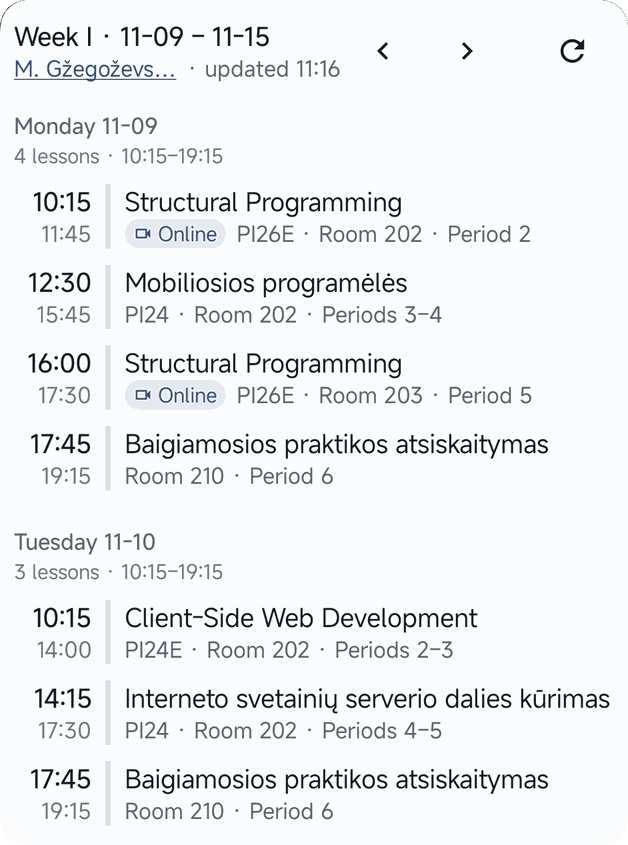
Timetable on your phone
Pick a group, lecturer or classroom — the timetable appears in your home-screen widget. No sign-up, free.
How to add it
- 01Download the file, open it and allow installing from unknown sources.
- 02Open Tvarkaraštis and pick your group, lecturer or classroom.
- 03Hold an empty spot on the screen → Widgets → Tvarkaraštis.
- 04Drag the widget onto your screen — it shows whatever you picked.
Other tools
$ tree programuoki.lt Programming coursesStudents programuoki.lt Go, Kotlin, HTML/CSS, algorithms — learn by building real systems.
onlineTimetable Everyone programuoki.lt/tvarkarastis Android widget: a group's, lecturer's or room's timetable on your home screen.← you are here